Learn about Immutable Backup Storage
Immutable backup storage is a data protection method that prevents backup data from being modified, overwritten, encrypted, or deleted during a predefined retention period.
Once backup data is written:
It becomes read-only
No user can alter it
No administrator can delete it
No ransomware can encrypt it
The data remains intact until the retention period expires
Unlike traditional access controls, immutable storage operates independently of user permissions. Even if attackers gain administrator credentials, they cannot bypass properly configured WORM protections.
The Workflow of Immutable Backup Storage
Immutable storage relies on Write Once, Read Many (WORM) technology, it's the foundation of immutability.
When backup data is written to a WORM-enabled repository:
1. Backup software creates recovery points from production workloads.
2. The backup is stored on an immutable repository, like Object storage with Object Lock, Linux hardend repositories, WORM storage appliance, or immutable cloud storage.
3. Retention policies are applied, administrators define retention periods, such as 7 days, 30 days, 90 days, or 1 year.
Once activated, the backup cannot be modified or deleted before expiration.
4. When needed, backup software accesses the immutable copy and restores data to production systems.
The Types of Immutable Backup Storage
Physical WORM Storage
LTO WORM Tape
WORM-enabled LTO tape cartridges physically prevent overwriting of stored data. These solutions remain popular for long-term archiving because they offer:
Hardened Backup Repositories
Organizations can deploy dedicated Linux-based backup repositories that enforce immutability at the operating system or file system level.
These repositories often provide:
Cloud-Based Immutable Storage
AWS S3 Object Lock
AWS S3 Object Lock is one of the most widely adopted immutable storage technologies.
It supports:
Administrators with special permissions can override retention settings.
No user, including the AWS root account, can delete or modify protected objects before retention expires.
Azure Blob Storage Immutability
Microsoft Azure supports:
Google Cloud Backup Vault
Google Cloud offers immutable backup vaults that provide similar protection against accidental deletion and ransomware attacks.
S3-Compatible Object Storage
Many organizations implement Object Lock on-premises using S3-compatible platforms such as MinIO and specialized backup storage appliances.
Best Practices for Implementing Immutable Backup Storage
See the best practices to have a better configuration of immutable backup storage.
1. Follow the 3-2-1-1-0 Rule
Modern backup strategies increasingly recommend:
This framework significantly improves cyber resilience and disaster recovery readiness.
2. Use Multiple Recovery Locations
Avoid storing all immutable copies in a single location.
Consider:
3. Separate Backup Credentials
Use dedicated accounts for backup infrastructure.
Many hardened repository implementations now use certificate-based authentication or single-use credentials to reduce credential exposure.
4. Test Recovery Regularly
A backup is only valuable if it can be restored.
Organizations should perform: recovery testing, integrity verification, and disaster recovery drills on a regular basis.
Vinchin Backup & Recovery Enhances Immutable Backup Storage
Implementing immutable backup storage is one of the most effective ways to defend against ransomware, but organizations also need a reliable backup platform capable of managing, securing, and recovering critical workloads across diverse environments.
Vinchin Backup & Recovery is designed to help enterprises build a comprehensive cyber resilience strategy by combining immutable backup storage with centralized backup management, fast recovery, and broad platform compatibility.
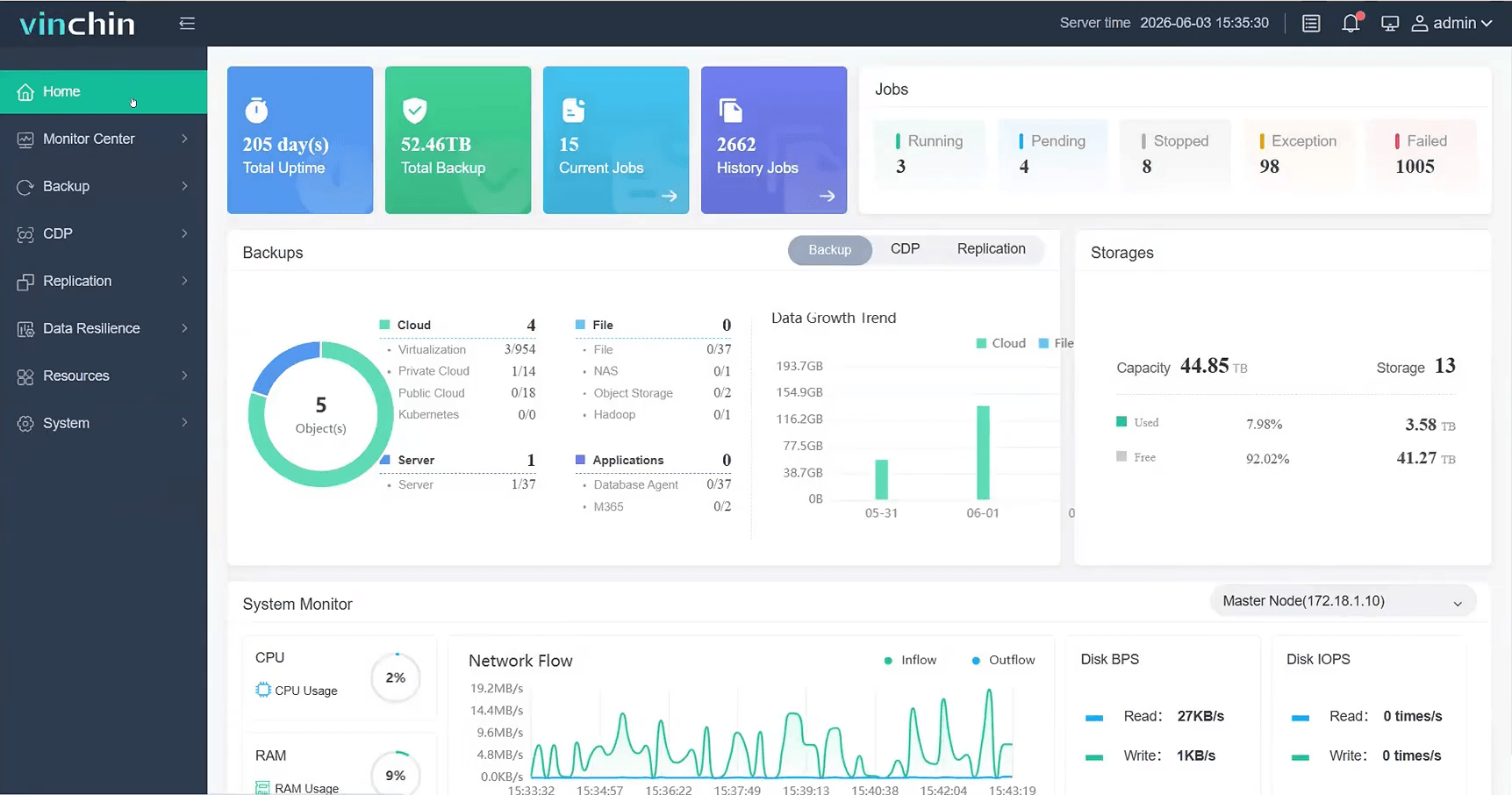
Native immutable backup storage support: Vinchin supports immutable backup storage through S3-compatible object storage with Object Lock functionality.
Strengthening the 3-2-1-0-0 backup strategy: This can significantly improves recovery readiness while reducing the risk of backup corruption or deletion.
Instant recovery for critical workloads: This helps organizations quickly resume operations after ransomware attacks, hardware failures, accidental deletion, or site disaster.
Centralized management and security: This helps organizations establish a secure and manageable data protection framework capable of withstanding modern cyber threats.
Don't wait until a cyberattack exposes weaknesses in your backup infrastructure. Explore full featured 60-day free trial for Vinchin Backup & Recovery and take the next step toward a more secure, resilient, and future-ready data protection strategy.
FAQs about Immutable Backup Storage
Q1: Is immutable backup the same as an air-gapped backup?
No, air-gapped backups are isolated from networks, while immutable backups remain accessible but cannot be modified or deleted. Many organizations use both approaches together.
Q2: Does immutable storage protect against insider threats?
Yes, because protection is enforced at the storage layer, even administrators cannot delete immutable backups before retention expires.
Q3: Is offsite replication enough without immutability?
No, replication alone can replicate encrypted or corrupted data. Immutability ensures clean recovery points remain available.
Conclusion
Immutable backup storage is no longer optional in today's ransomware-driven threat landscape. By ensuring backup data cannot be modified or deleted during a defined retention period, organizations can maintain reliable recovery points and strengthen cyber resilience.
Combined with best practices like the 3-2-1-1-0 backup strategy and a comprehensive solution such as Vinchin Backup & Recovery, immutable storage provides a strong foundation for secure and dependable data protection.