




Product: Vinchin Backup & Recovery
Version: V6.0, V6.5, V7.0, V7.2, V8.0, V8.1, V9.0
KB Number: 200126
Last Modified: 2026-01-08 17:57:32
Discovered Version:v7.2 v6.7
Question
Instant restore task for VMware failed (same error in v6.7 and v7.2).
Failed to start instant restore job, [#3061] Parse VM config file failed
v6.7
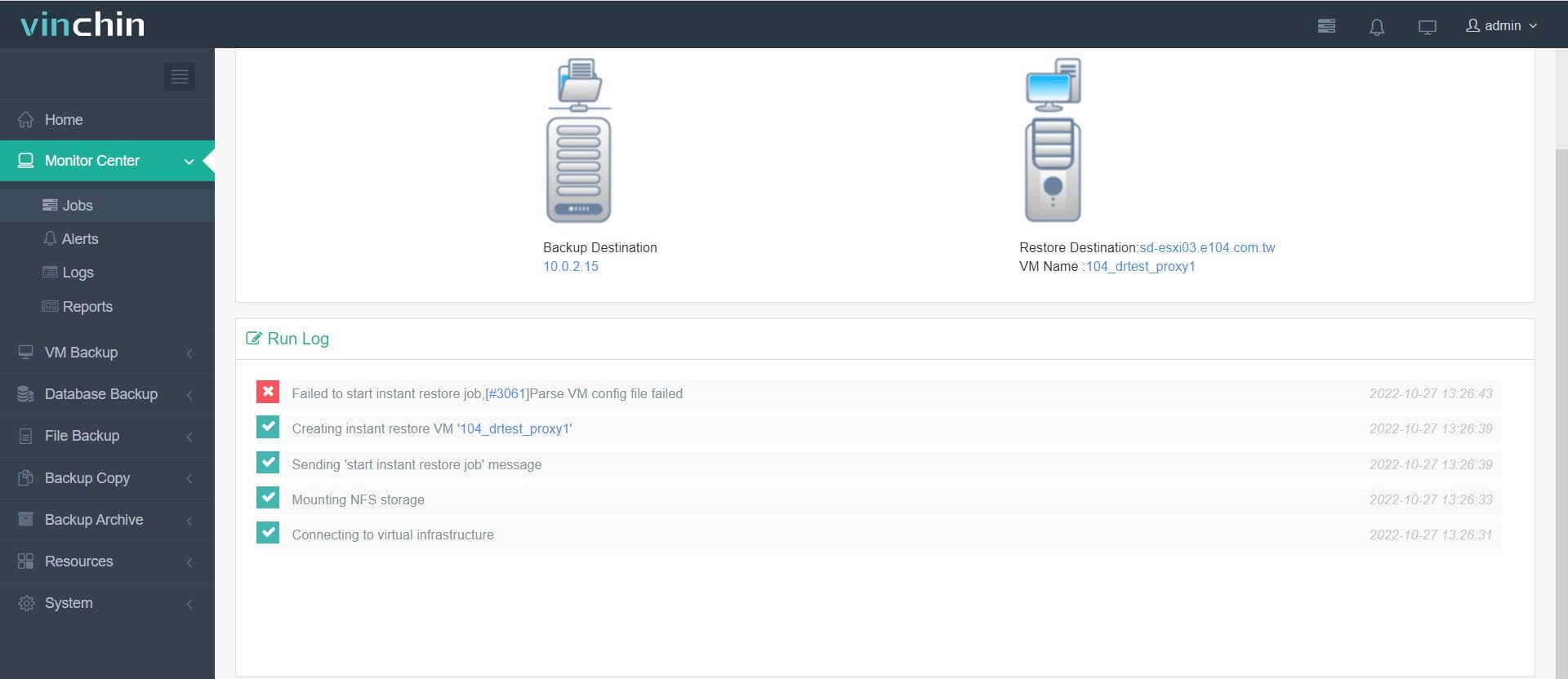
v7.2

Answer
The target network selected for the instant-restored VM is unavailable, possibly due to cross-network restrictions or insufficient user permissions for accessing this network.
Resolution
1.Network instability may have caused the configuration information retrieval to fail.
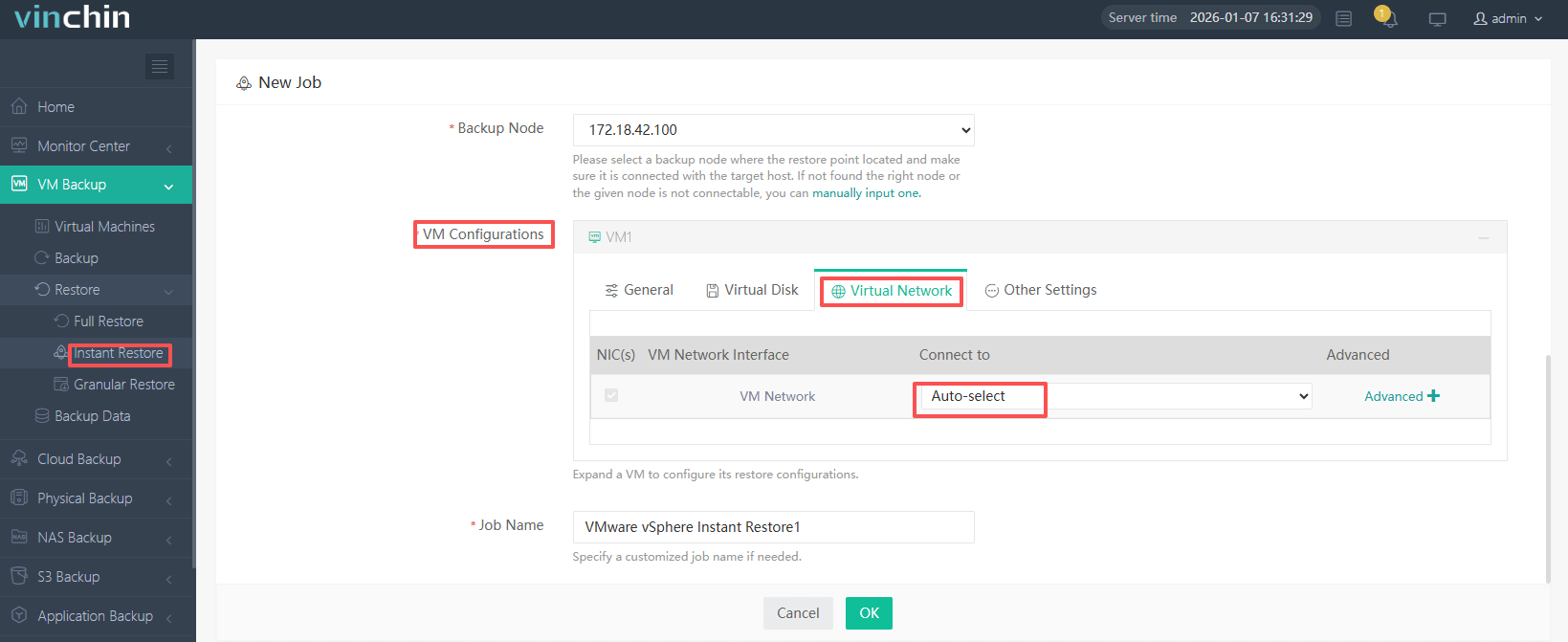
2.If the virtualization environment has multiple network adapters configured and the default selection is ineffective, manually select the network adapter for restoration.
60-DAY FULL-FEATURED FREE TRIAL
- No credit card required
- Get started in 10 minutes