




Product: Vinchin Backup & Recovery
Version: V8.1, V9.0
KB Number: 200206
Last Modified: 2026-09-01 15:40:59
Discovered Version:v8.1.0, v9.0
Question
Try to backup vm machine after add the virtual platform to vinchin system, but task failed very quickly and throw an error saying: #3005 the host of vm is not licensed.Job Failed
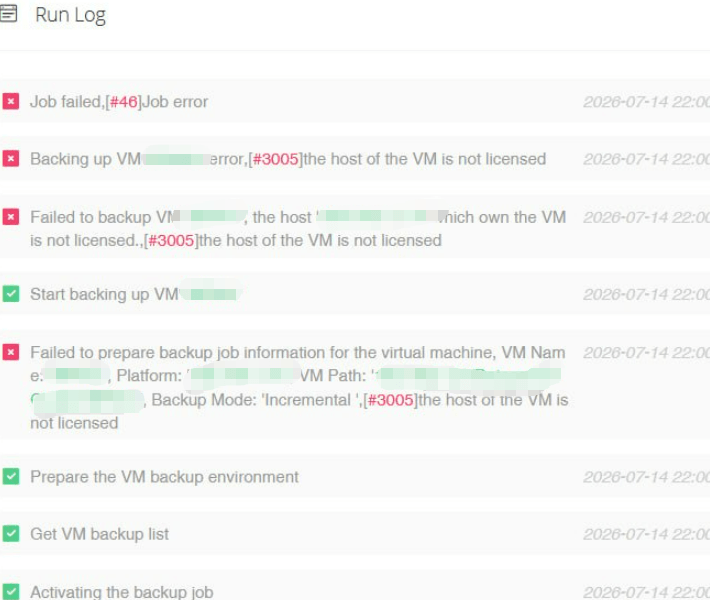
Job Failed, #[3005] the host of vm is not licensed.
Answer
Issue Description
If the license type is "Per CPU Sockets", the virtual platform will be in Unlicensed state, at this moment you are unable to create any backup job for the VMs.
Once the virtual platform gets licensed, you are now able to create backup jobs for the virtual platform VMs.
Resolution
To get the virtual platform licensed for backup, please do as follows.
- Navigate to [Resource]->[Infrastructure]->[virtual platform]->Select the target virtual platform->Click on the License button.
- In the Host Licensing dialog, select all hosts of the virtual platform.
- Click on License button to get the hosts licensed for VM backup.
60-DAY FULL-FEATURED FREE TRIAL
- No credit card required
- Get started in 10 minutes