


Product: Vinchin Backup & Recovery
Version: V9.0, V8.1
KB Number: 200240
Last Modified: 2026-09-29 11:32:37
Discovered Version: v9.0 V8.1
OS: Windows Server 2019
Disk Type: Dynamic disk.
Question
After running a Restore job for a windows server on VMware , one of the disk was set to offline when boot up this vm.
Answer
This issue was caused by the SAN storage of Microsoft, which will forcely set the newly added disk as offline status.
Corresponding article:
https://learn.microsoft.com/en-us/windows-server/administration/windows-commands/san
Resolution
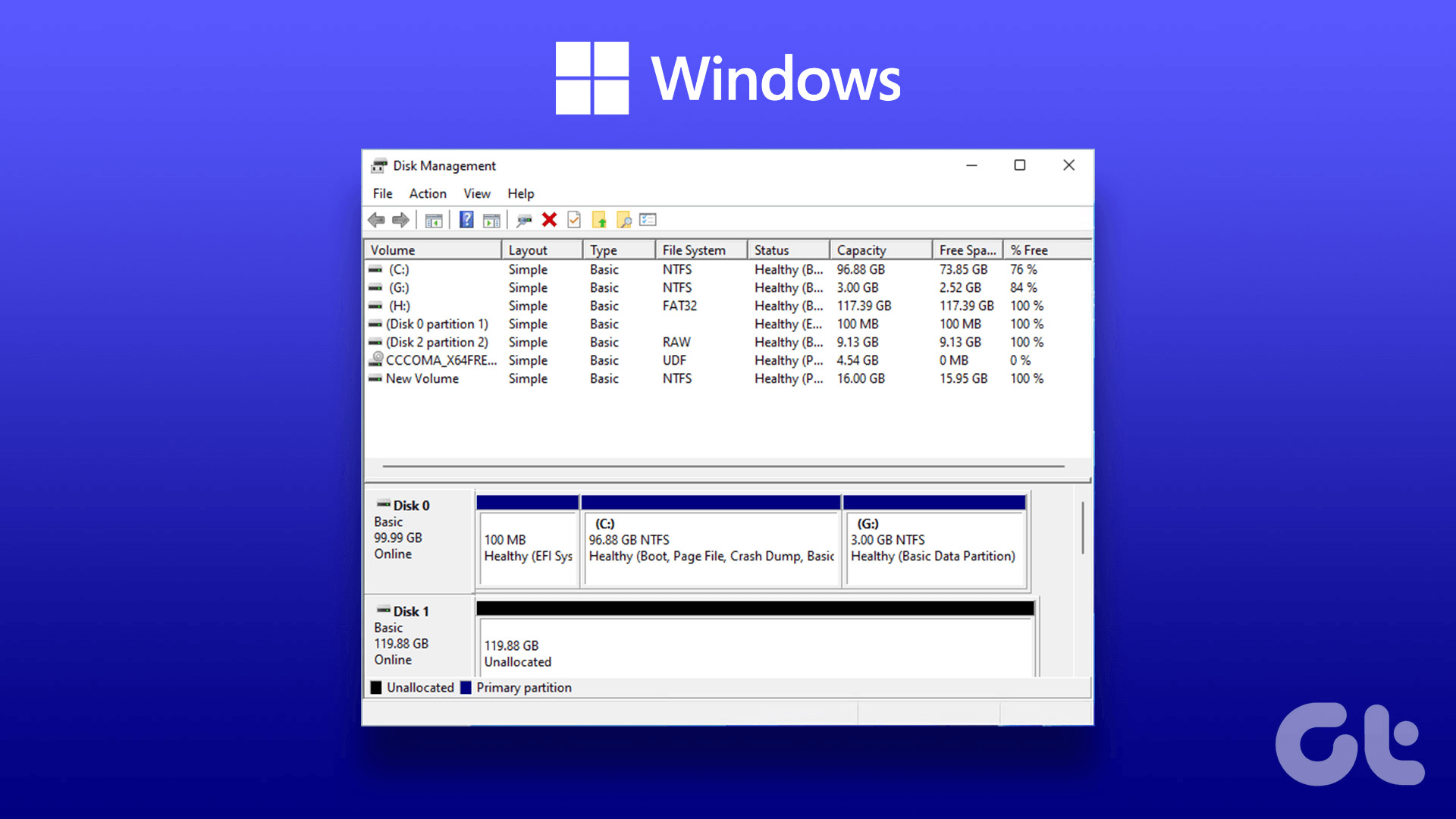
Go to Computer Management -> Disk management and manually set this disk to online status.
60-DAY FULL-FEATURED FREE TRIAL
No credit card required
Get started in 10 minutes