








Product: Vinchin Backup & Recovery
Version: V9.0
KB Number: 100217
Last Modified: 2026-09-06 16:19:06
Discovered Version:v9.0.0
Question
When login Vinchin CLI, there is always alert with unavailable key is rejected, what is the reason?
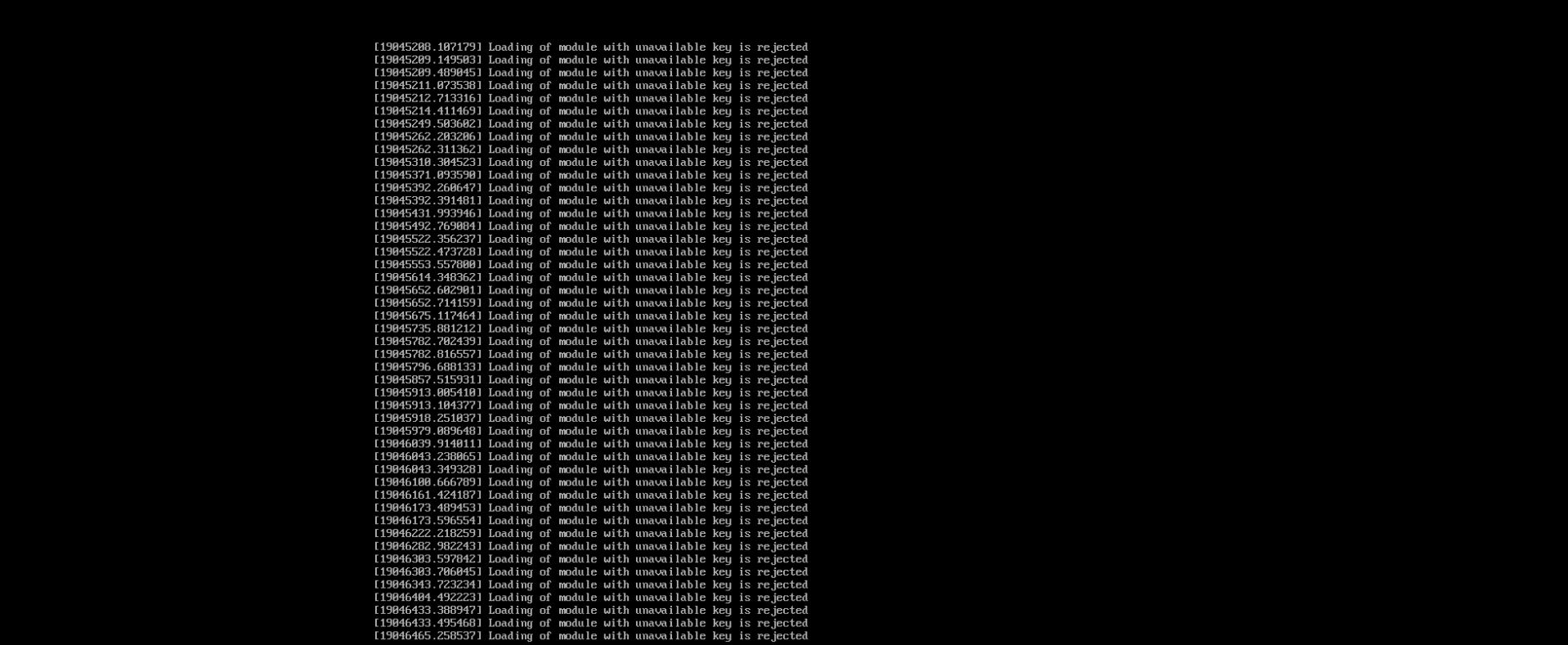
Loading of module with unavailable key is rejectedAnswer
Vinchin has features for storage level WORM protection, this relies on the system's built-in VDP anti-tampering driver. This driver operates at the operating system kernel level, monitoring the I/O status of the underlying system and storage in real time, and promptly intercepting any unauthorized anomalous activities. Because this driver loads and works synchronously with the kernel, it can effectively prevent malicious uninstallation—even if hackers gain root privileges, they cannot bypass it.
This Vinchin anti-tampering driver requires signature authentication to load on secure, production systems, and it serves as a critical security control
Resolution
1. Contact with Vinchin Support Team to get signature key
If you want to fully address this alert, it is recommend to contact with Vinchin Support Team, email address: technical.support@vinchin.com to get the signature key and guideline to inject into your Vinchin environment.
2. Disable Secure Boot for Vinchin Server and Node
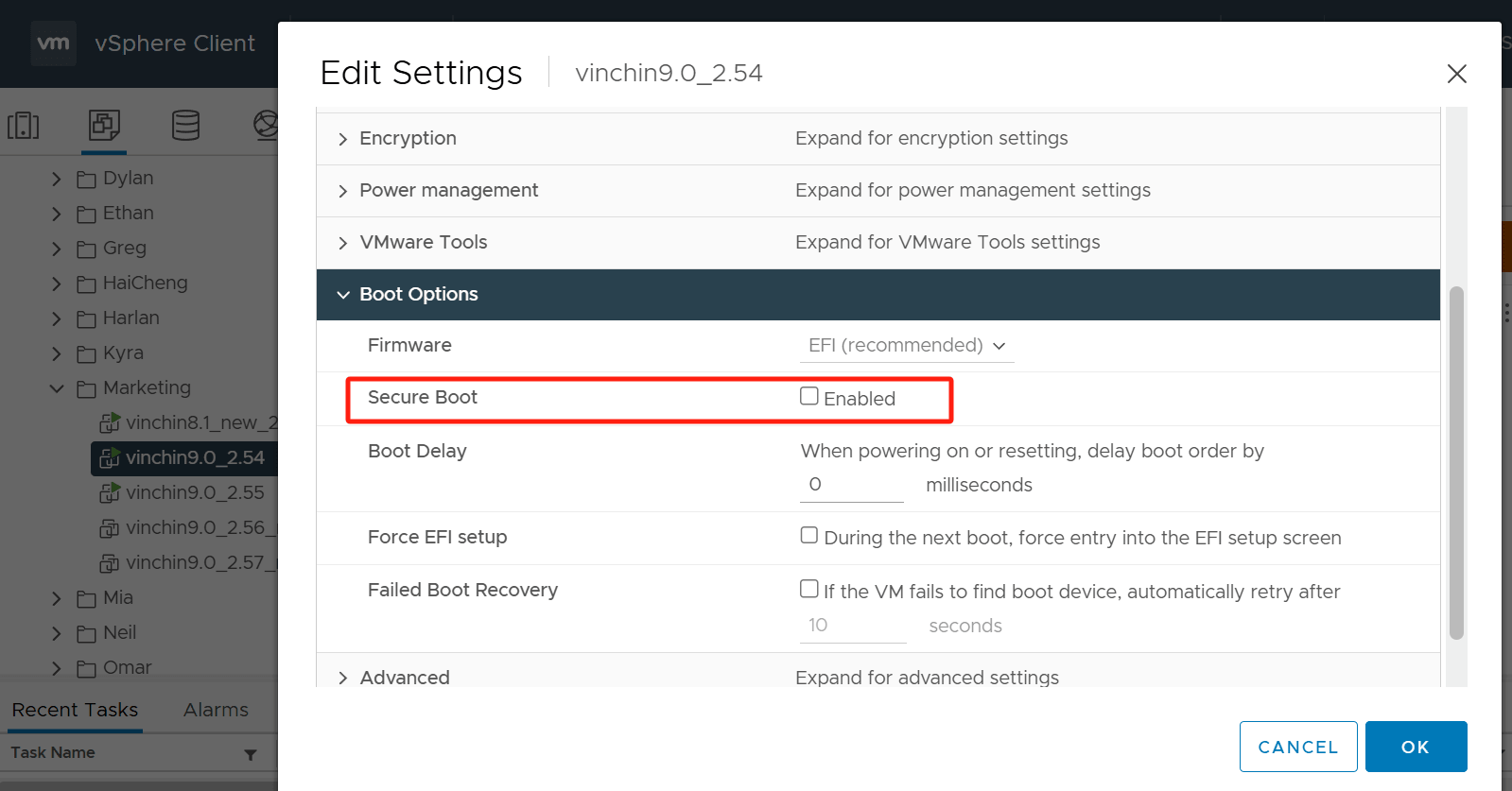
You can also disable Secure Boot option for Vinchin Server and Node to elimate this alert, for example, if your Vinchin is install on VMware platform, you can power off the Vinchin VM, click on Edit Settings>VM Options>Boot Options, disable secure boot.
60-DAY FULL-FEATURED FREE TRIAL
No credit card required
Get started in 10 minutes