








Product: Vinchin Backup & Recovery
Version: V9.0
KB Number: 100236
Last Modified: 2026-09-28 17:20:40
Discovered Version:v9.0.0
Question
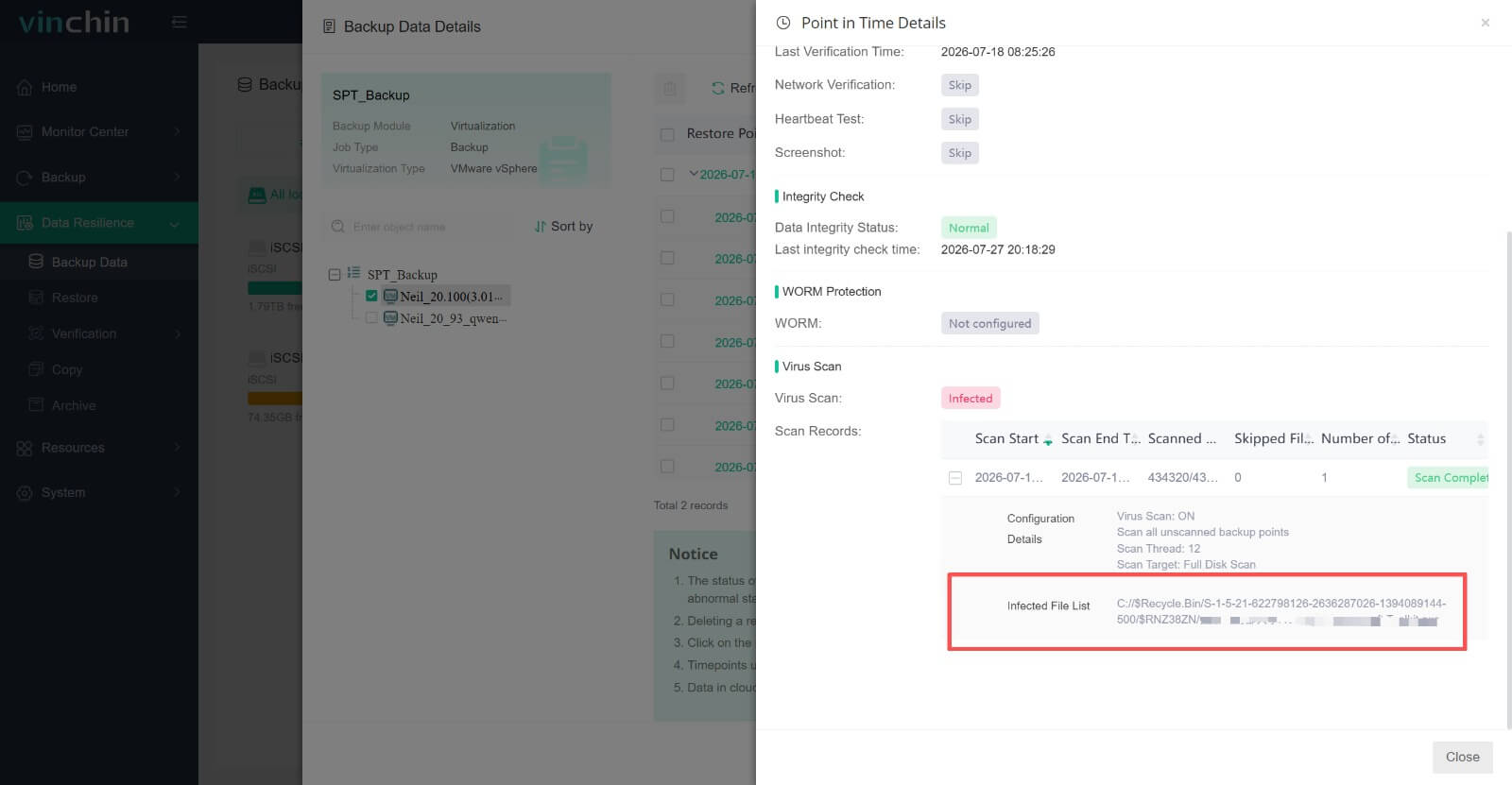
When the malware scanning function is enabled and malicious files are detected in the backup, the user needs to determine the exact location of the infected files (the path, folder or file name).
Answer
Users can view the specific paths of the infected files in the Vinchin web console.
Resolution
Users can find path/folder in [Backup Data] - [Detail]
60-DAY FULL-FEATURED FREE TRIAL
No credit card required
Get started in 10 minutes